
Why one corner of the server room runs hotter
Hot spots usually form where cool air is not reaching the equipment, or where warm air is trapped and keeps circlating. In a small server room that can be caused by a rack pushed too close to a wall, a cable bundle blocking the return path, or a split unit that is simply undersized for the heat load.
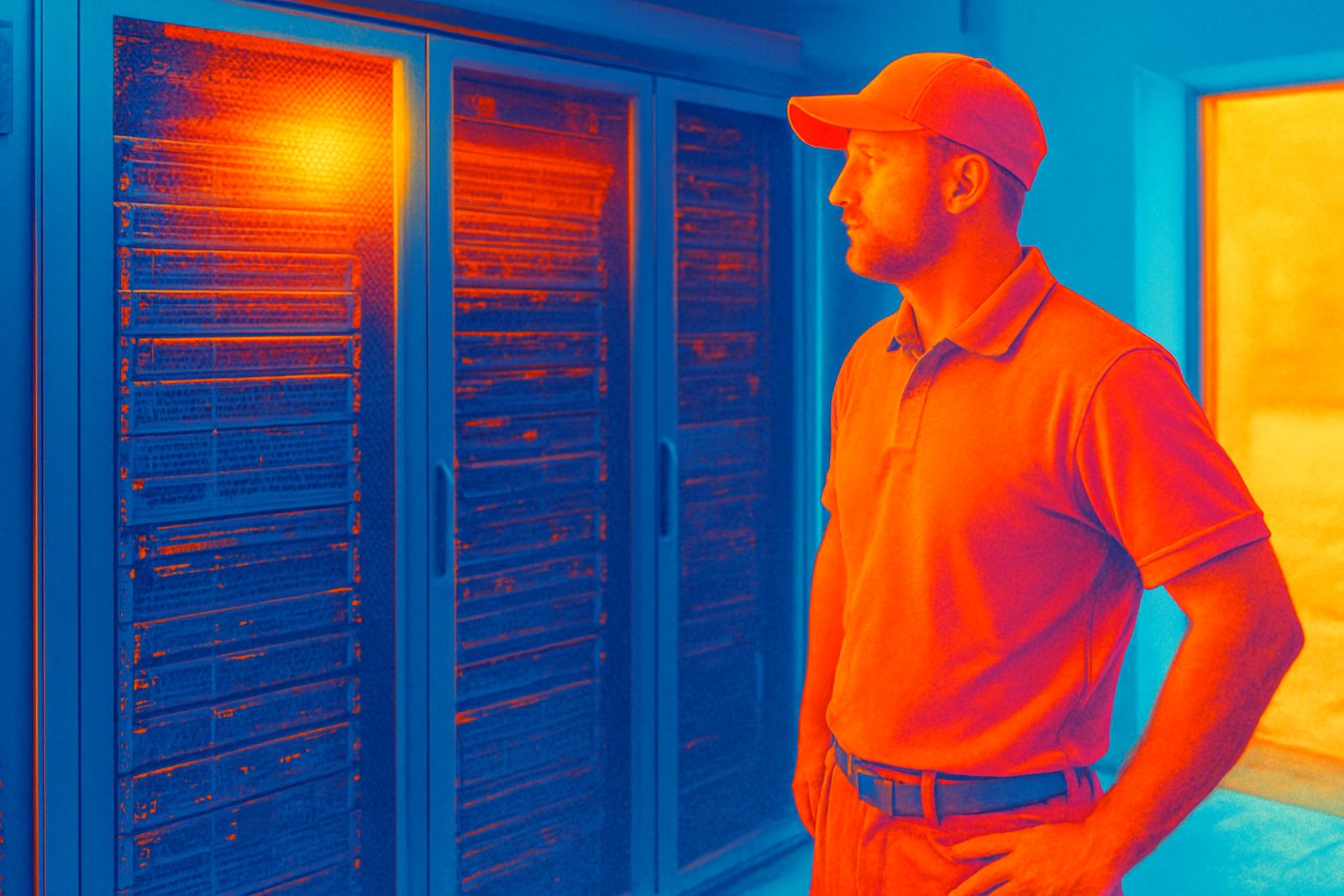
We see this often in office parks from Glen Anil through Umhlanga, especially where the room was built around the equipment rather than the other way around. A room may feel cool at the door, but the top rear of a rack can still sit several degrees warmer than the rest of the space. That difference is enough to trigger alarms, shorten equipment life, and create uneven performance during peak hours or load-shedding changeover.
Airflow problems that cause temperature swings
Airflow is usually the first place to check. If cold air cannot move freely past the front of the racks and warm air cannot return to the unit, the room develops pockets of heat. This is common where floor tiles are missing, vents are badly positioned, or ceiling returns are partly blocked by conduit, trunking or stored boxes.
- Blocked front intakes on racks
- Open gaps under doors letting warm corridor air in
- Units blowing directly into a wall instead of across the room
- Raised floor leaks or open cable cut-outs
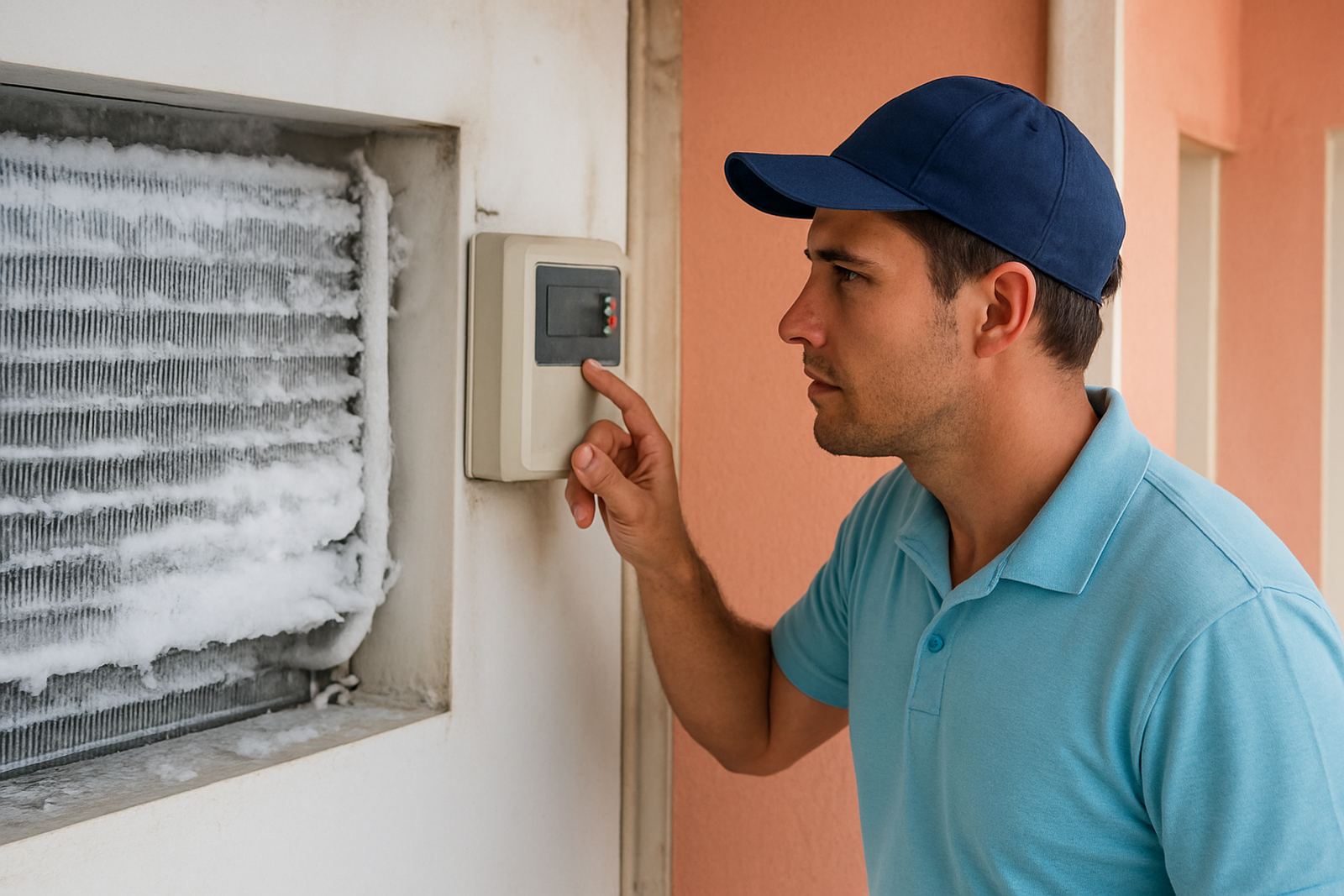
- Dust build-up on filters and coils
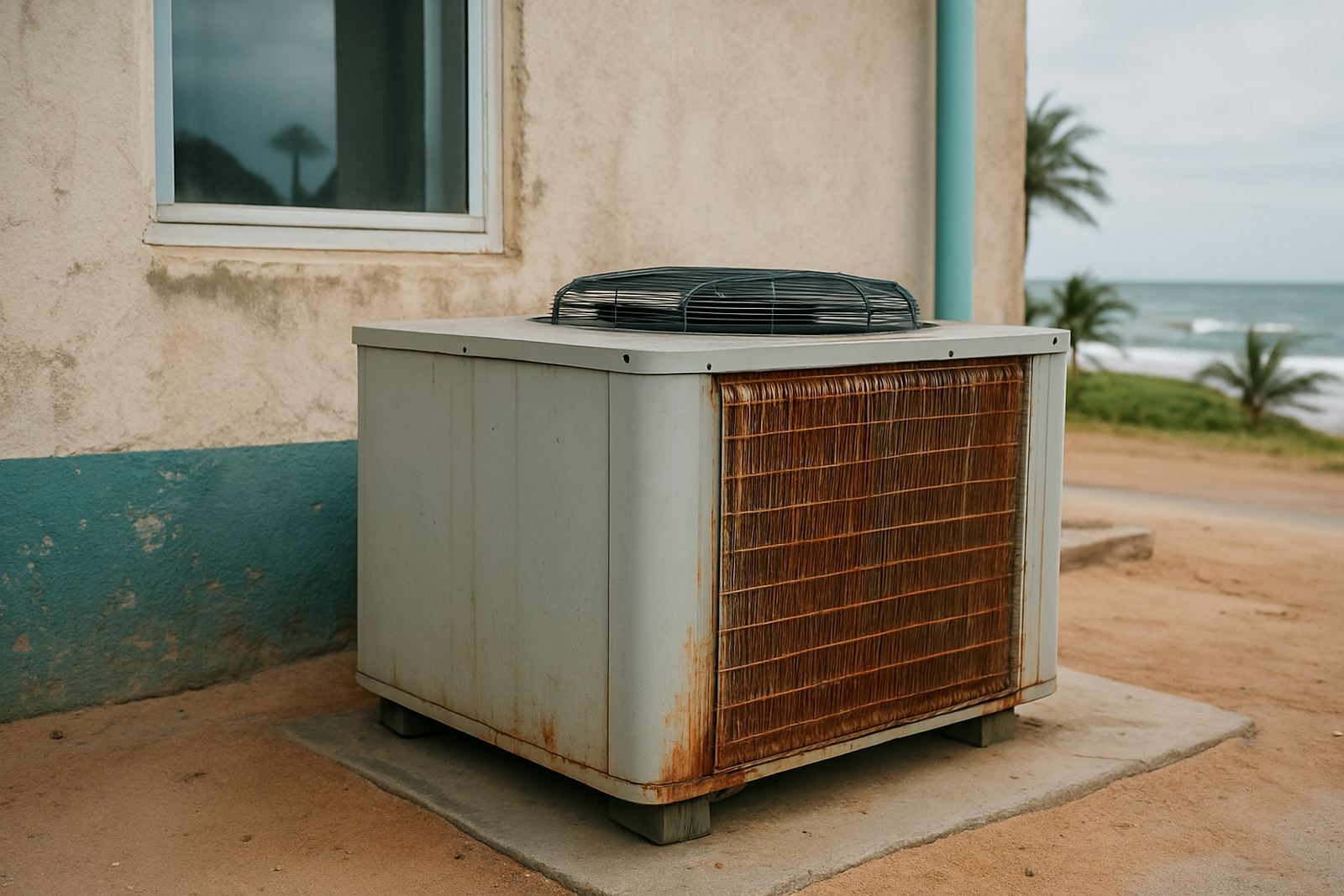
On the KZN coast, salt and humidity make the problem worse because filters load up faster and coils lose efficiency. A server room that was fine in winter can start running hot by late summer if the filters are not cleaned and the airflow pattern has not been checked.
How poor sensor placement gives a false picture
Some rooms are not actually evenly hot, they are badly measured. If the temperature sensor sits close to the air conditioner, it may tell the system the room is fine while the far side of the room stays warm. The same problem happens when a sensor is mounted too high, too low, or in direct cold air from the supply fan.
We often recommend checking more than one point: front of rack, rear of rack, high level near the ceiling, and a point away from the unit. That gives a better picture of what the equipment is really experiencing. It also helps spot a fault early, instead of waiting for a server alarm during a busy Monday morning in Durban North.
If the readings jump around too much, the issue may be in the control setup rather than the cooling capacity. In that case, the fix can be as simple as moving a sensor, correcting the setpoint, or adjusting the fan speed so the room does not short-cycle.
Power cuts and unstable supply make hotspots worse
During load-shedding or generator switchover, a server room can heat up quickly if the cooling system does not restart cleanly. Even a short outage can leave warm air sitting above the racks. When power comes back, some units start up slower than the IT load, so one side of the room cools sooner than the other.
If the room runs on standby power, it is worth checking the full sequence, not just whether the unit switches on. Make sure the control panel, isolator, fan motors and condensate drain all recover properly. A weak compressor start or a tripping breaker can leave the room in partial cooling and that is when hotspots begin.
- Test the cooling restart after every planned outage
- Check changeover timing between mains and generator
- Inspect breakers, contactors and loose terminals
- Confirm the cooling load still matches the server load
On older sites in Pinetown and parts of the South Coast, we also find voltage dips causing intermittent faults. That may look like a cooling issue, but the real cause is electrical and needs fault finding before the temperature problem returns.
Simple checks that usually correct the problem
Before replacing equipment, start with the basics. Clean the filters, clear the return air path, and make sure the room door closes properly. Then check whether the unit is actually delivering the amount of cooling needed for the room size and heat load. A cramped server room with multiple switches, UPS units and routers can need more than one cooling point.
It also helps to review how the racks are laid out. If hot exhaust air from one rack is going straight into the intake of another, no air conditioner will fully solve the issue. A small layout change can improve the whole room. So can fitting blanking panels, sealing cable openings and setting a proper maintenance routine.
For many Durban businesses, the answer is not a bigger machine but better control of the air already in the room. That usually gives faster results and lower running costs.
When to call in a technician
If the room keeps overheating after cleaning and basic checks, the system needs a proper inspection. A technician should test refrigerant levels, check for leaks, measure airflow, inspect electrical connections, and confirm the unit is not running against a fault that is hidden from the control screen. In humid coastal areas, drain blockages and corrosion can also cause repeat breakdowns.
Coastal Cooling Systems works on planned maintenance, breakdown call-outs and service contracts for commercial sites across Glen Anil, Durban North, Umhlanga, Ballito, Pinetown and the South Coast. For server rooms, that means checking the cooling plant, logging temperatures, and sorting small faults before they turn into downtime. If the room has any hot spots, it is better to deal with them on a quiet afternoon than after an after-hours alarm.
A well-kept server room should stay steady from one end to the other. If one area is warmer than the rest, there is always a reason, and most of the time it can be fixed without drama.