
Set a recording routine that matches the site
Temperature recording only works when it is done at the same time every day and by the same method. On busy sites in Glen Anil, Umhlanga, Ballito or Pinetown, the person opening the log should know exactly when to check, where to write, and who to call if the reading is outside range. Keep the routine tied to shift change, stock receiving or the first walk-through before doors are opened to the public.
For most food and cold storage sites, one reading is not enough. Record at least the air temperature in the room, the product temperature where required, and the setpoint on the controller. If the site has separate zones, such as a cold room, freezer room and display chiller bank, each zone needs its own line. In coastal conditions, humidity can push loads harder and small faults show up faster, so readings should not be left to memory.
- Choose fixed times, for example 06:00, 12:00 and 18:00.
- Assign one person per shift and a backup person for leave or weekends.
- Record room temperature, setpoint and any alarm note.
- Use the same units throughout, normally degrees Celsius.
Use log sheets that are simple to read later
A good log sheet should tell the story of the site without a long explanation. Keep the layout plain and leave enough space for hand writing. If a reading is taken during load-shedding, written against a breakdown, or after doors were left open during receiving, the note should make that clear. That detail helps when comparing stock complaints or equipment service history months later.
Every sheet should show the site name, area, room number if used, date, reading time and initials of the person checking. Add a column for the action taken where a reading is out of range. If the same unit is logged by security, operations and the cold store team, colour code the pages or separate them by area so nobody mixes up the records.
- Site name and exact area, such as freezer room 1 or display chiller bank A.
- Date, time and initials.
- Actual reading, setpoint and notes.
- Action taken and who was informed.
Keep completed sheets in one file for at least the period required by the site’s own audit rules. For sites supplying retailers, restaurants or medical customers, the records may be needed for claims or compliance checks later on. A neat filing habit saves time when an inspector asks for last week’s readings or a service contractor needs proof of repeated temperature drift.
Know the normal range before an alarm ever sounds
There is no useful alarm action if staff do not know what normal looks like. Each room, chiller or air-conditioned area should have a defined operating range, written in the log book and near the controller if possible. For example, a freezer room may sit much lower than a chilled storage room, while a display chiller in retail use may be allowed a slightly wider swing during trading hours. The exact limits should suit the product, not guesswork.
Set the alarm delay and warning level carefully. A door left open for two minutes is very different from a temperature climbing for half an hour because the evaporator fan has failed. If alarms are too sensitive, staff will ignore them. If they are too slow, stock can spoil before anyone notices. This is where planned maintenance matters, because dirty coils, poor door seals and weak defrost cycles often show up first on the log sheet.
As a rule, compare three things each day: actual reading, controller setpoint and how the room feels during a walk-through. If the reading is fine but the room has frost build-up, warm air infiltration or noisy cycling, the equipment needs a closer look. That extra note can prevent a callout later in the week.
Act fast when a reading moves outside range
When a reading is out of range, do not wait until the end of the shift. First check the obvious items: door closed properly, lights off, no stock blocking air paths, and no recent loading activity. Then check whether the unit is running, whether the controller shows a fault and whether another alarm has already tripped on the panel. On some sites a small issue becomes a full spoilage event because everyone assumed someone else had phoned it in.
If the temperature continues to rise or drop, move stock according to the site plan and protect the highest-risk products first. Call the responsible supervisor and log the time of the call. If the site has service contract support, give the technician the reading, room name and any symptoms such as icing, tripping or unusual noise. Clear information shortens the repair time.
- Check doors, seals and product loading first.
- Confirm power supply and controller status.
- Record the time the alarm started and when action was taken.
- Move stock only according to the site’s documented process.
- Escalate quickly if the reading keeps drifting.
For Durban sites that rely on standby generators during load-shedding, note the exact changeover time and whether the temperature recovered after power returned. This detail is often the difference between a small service issue and a costly claim.
Build temperature checks into maintenance and compliance
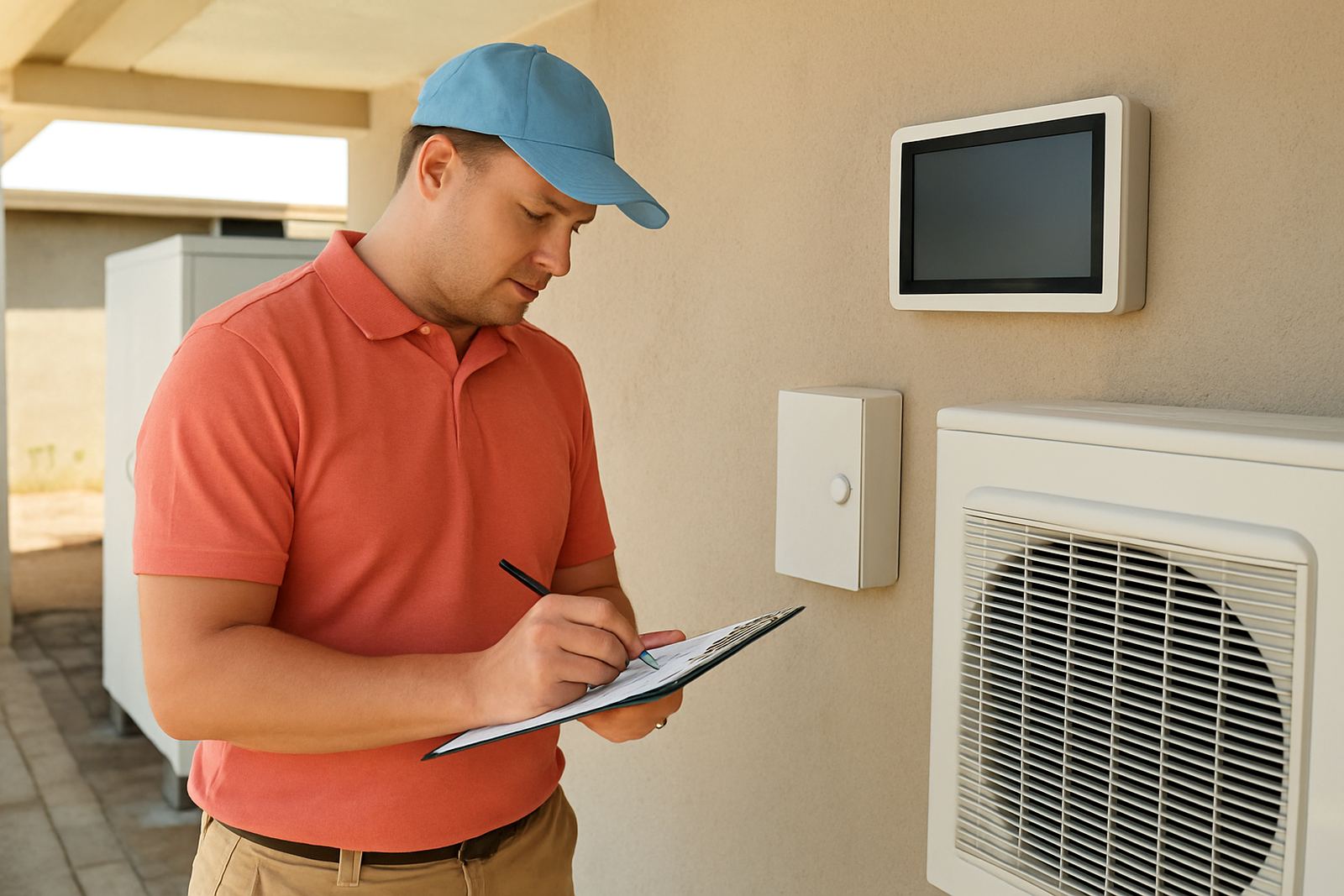
Temperature recording should never sit apart from maintenance. If a room shows repeated warm spots, long pull-down times or regular alarm resets, it is time to inspect the refrigeration circuit, electrical supply, fans and door hardware. A correct log does more than prove the numbers. It points to the fault before product is lost. On the KZN coast, salt air and heat can shorten the life of condenser coils, fan motors and electrical parts if cleaning and inspections are left too long.
For food storage, hospitality and wholesale sites, logs can also support compliance checks. Keep the record clear enough for a third party to see when the reading was taken and what was done after an alarm. If municipal or customer requirements call for traceable records, handwritten sheets are acceptable when they are legible, complete and kept in order. Digital systems are useful, but they still need a back-up method when power drops or a controller fails.
Planned maintenance should include temperature checks, cleaning, leak detection, and inspection of electrical connections. That is especially important in heavy-use sites in Durban North, Umhlanga and Ballito where doors open often and equipment works harder through the summer months.
Simple checklist for daily and weekly control
A short checklist keeps the routine consistent and helps new staff learn the process quickly. Print it near the log book and keep it in the same place every day. If a site has more than one room, use the same checklist format for each area so there is no confusion when staff rotate between shifts.
- Check the room or chiller at the same time each day.
- Write the actual reading, not a rounded guess.
- Note any alarm, power interruption or door issue.
- Confirm the controller setpoint once a week.
- Inspect seals, hinges, fans and visible frost build-up.
- Report repeated drift, tripping or slow recovery.
Weekly review should be done by someone who looks at the pattern, not just the last reading. A steady rise over five days can be more serious than a single high reading that was corrected quickly. If the trend is changing, call for service before the unit struggles further. That approach protects stock, reduces emergency call-outs and makes the site easier to manage through summer heat and load-shedding.